Can my PC run it?
Pick your graphics card, processor, and memory to instantly see which games will run and which need lower settings.
🔥 Minimum requirements for popular games
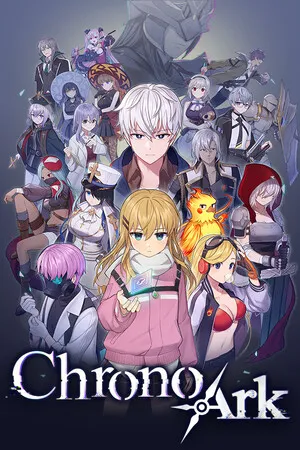 超時空方舟
Minimum: 🎮 1 GB 顯示記憶體的顯示卡 · 🧠 Intel Core i3 · 💾 4 GB
超時空方舟
Minimum: 🎮 1 GB 顯示記憶體的顯示卡 · 🧠 Intel Core i3 · 💾 4 GB
 邊緣禁地 4
Minimum: 🎮 RX 5700 XT · 🧠 Intel Core i7-9700 · 💾 16 GB
邊緣禁地 4
Minimum: 🎮 RX 5700 XT · 🧠 Intel Core i7-9700 · 💾 16 GB
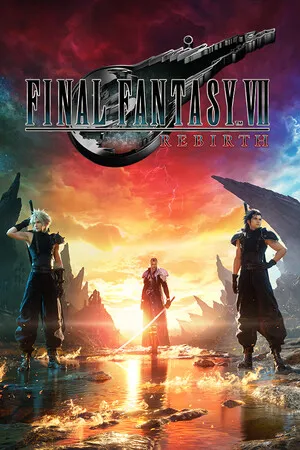 FINAL FANTASY VII 重生
Minimum: 🎮 RTX 2060 · 🧠 Intel Core i3-8100 · 💾 16 GB
FINAL FANTASY VII 重生
Minimum: 🎮 RTX 2060 · 🧠 Intel Core i3-8100 · 💾 16 GB
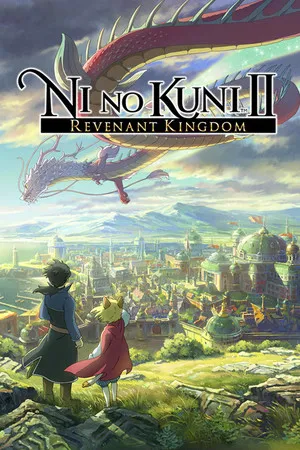 二之國 II 亡魂之國
Minimum: 🎮 GTX 750 Ti · 🧠 Intel Core i5-4460 · 💾 4 GB
二之國 II 亡魂之國
Minimum: 🎮 GTX 750 Ti · 🧠 Intel Core i5-4460 · 💾 4 GB
 深岩銀河
Minimum: 🎮 GTX 660 · 🧠 Intel Core i5 · 💾 6 GB
深岩銀河
Minimum: 🎮 GTX 660 · 🧠 Intel Core i5 · 💾 6 GB
 全軍破敵:羅馬 II
Minimum: 🎮 512 MB 顯示記憶體的顯示卡 · 🧠 雙核心處理器 · 💾 2 GB
全軍破敵:羅馬 II
Minimum: 🎮 512 MB 顯示記憶體的顯示卡 · 🧠 雙核心處理器 · 💾 2 GB
 inZOI
Minimum: 🎮 RX 5600 XT · 🧠 Intel Core i5-10400 · 💾 12 GB
inZOI
Minimum: 🎮 RX 5600 XT · 🧠 Intel Core i5-10400 · 💾 12 GB
 飆酷車神:動力慶典
Minimum: 🎮 GTX 1060 6GB · 🧠 Intel Core i5-4460 · 💾 8 GB
飆酷車神:動力慶典
Minimum: 🎮 GTX 1060 6GB · 🧠 Intel Core i5-4460 · 💾 8 GB
 十字軍之王 III
Minimum: 🎮 Intel Iris Plus / Iris Pro(內顯) · 🧠 Intel Core i5-750 · 💾 8 GB
十字軍之王 III
Minimum: 🎮 Intel Iris Plus / Iris Pro(內顯) · 🧠 Intel Core i5-750 · 💾 8 GB
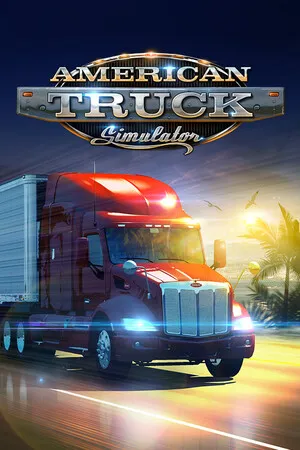 美國卡車模擬
Minimum: 🎮 Intel UHD / HD 630(內顯) · 🧠 Intel Core i5-6400 · 💾 8 GB
美國卡車模擬
Minimum: 🎮 Intel UHD / HD 630(內顯) · 🧠 Intel Core i5-6400 · 💾 8 GB
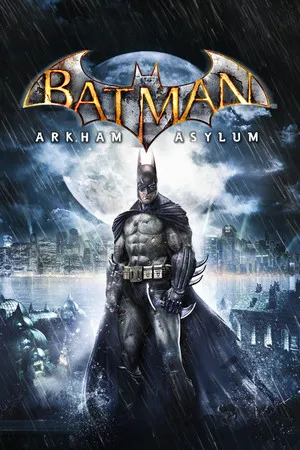 蝙蝠俠:阿卡漢瘋人院
Minimum: 🧠 雙核心處理器 · 💾 1 GB
蝙蝠俠:阿卡漢瘋人院
Minimum: 🧠 雙核心處理器 · 💾 1 GB
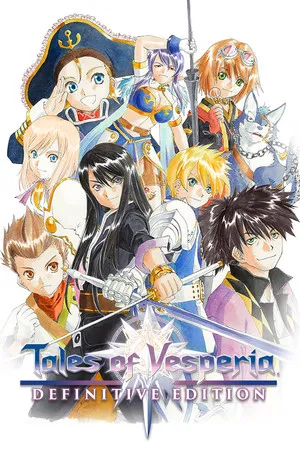 宵星傳奇
Minimum: 🎮 GTX 660 · 🧠 Intel Core i5-750 · 💾 4 GB
宵星傳奇
Minimum: 🎮 GTX 660 · 🧠 Intel Core i5-750 · 💾 4 GB
 歧路旅人
Minimum: 🎮 R7 260X · 🧠 Intel Core i3-3210 · 💾 4 GB
歧路旅人
Minimum: 🎮 R7 260X · 🧠 Intel Core i3-3210 · 💾 4 GB
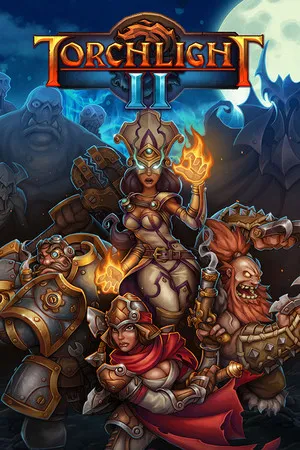 火炬之光 II
Minimum: 🧠 1.4 GHz 處理器 · 💾 1 GB
火炬之光 II
Minimum: 🧠 1.4 GHz 處理器 · 💾 1 GB
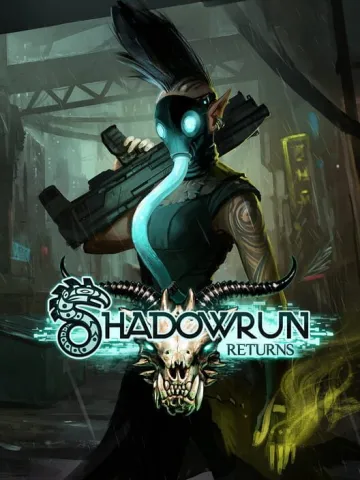 Shadowrun Returns
Minimum: 🎮 256 MB 顯示記憶體的顯示卡 · 🧠 1.4 GHz 處理器 · 💾 2 GB
Shadowrun Returns
Minimum: 🎮 256 MB 顯示記憶體的顯示卡 · 🧠 1.4 GHz 處理器 · 💾 2 GB
 Half-Life: Alyx
Minimum: 🎮 GTX 1060 6GB · 🧠 Intel Core i5-7500 · 💾 12 GB
Half-Life: Alyx
Minimum: 🎮 GTX 1060 6GB · 🧠 Intel Core i5-7500 · 💾 12 GB
 世紀帝國 IV
Minimum: 🎮 Intel HD 530 / 520(內顯) · 🧠 Intel Core i5-6300U · 💾 8 GB
世紀帝國 IV
Minimum: 🎮 Intel HD 530 / 520(內顯) · 🧠 Intel Core i5-6300U · 💾 8 GB
 模擬市民 4
Minimum: 🎮 128 MB 顯示記憶體的顯示卡 · 🧠 Intel Core i3-3220 · 💾 4 GB
模擬市民 4
Minimum: 🎮 128 MB 顯示記憶體的顯示卡 · 🧠 Intel Core i3-3220 · 💾 4 GB
 迪士尼夢幻星谷
Minimum: 🎮 9600 GT · 🧠 Intel Core i3-540 · 💾 6 GB
迪士尼夢幻星谷
Minimum: 🎮 9600 GT · 🧠 Intel Core i3-540 · 💾 6 GB
 模擬農場 25
Minimum: 🎮 GTX 1050 Ti · 🧠 Intel Core i5-6400 · 💾 8 GB
模擬農場 25
Minimum: 🎮 GTX 1050 Ti · 🧠 Intel Core i5-6400 · 💾 8 GB
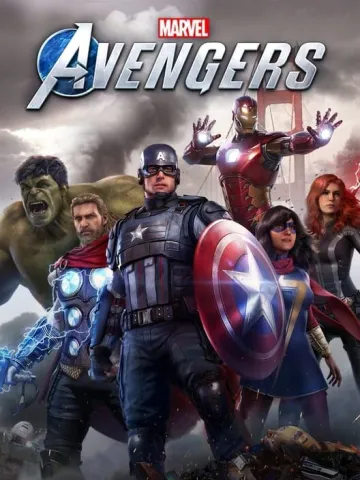 漫威復仇者聯盟
Minimum: 🎮 GTX 950 · 🧠 Intel Core i3-4160 · 💾 8 GB
漫威復仇者聯盟
Minimum: 🎮 GTX 950 · 🧠 Intel Core i3-4160 · 💾 8 GB
 超時空之鑰
Minimum: 🎮 Intel HD 530 / 520(內顯) · 🧠 Intel Core i3 · 💾 4 GB
超時空之鑰
Minimum: 🎮 Intel HD 530 / 520(內顯) · 🧠 Intel Core i3 · 💾 4 GB
 鬥陣特攻 2
Minimum: 🧠 AMD Phenom X3 / X2 · 💾 6 GB
鬥陣特攻 2
Minimum: 🧠 AMD Phenom X3 / X2 · 💾 6 GB
 絕地求生
Minimum: 🎮 GTX 960 · 🧠 Intel Core i5-4430 · 💾 8 GB
絕地求生
Minimum: 🎮 GTX 960 · 🧠 Intel Core i5-4430 · 💾 8 GB
How do we tell if it runs?
- Each game's system requirements come from its official Steam store page (minimum / recommended).
- The graphics card and processor models in the requirements are converted into performance scores and compared with your PC; when it says "NVIDIA or AMD", we use whichever is easier to meet.
- 🚀 Smooth: meets recommended; ✅ Playable: meets minimum; ⚠️ Barely: just short, lower the settings; ❌ Can't run: well below minimum.
- Laptop graphics cards and processors are usually slower than desktop parts with the same name, so they're listed separately in the menu.